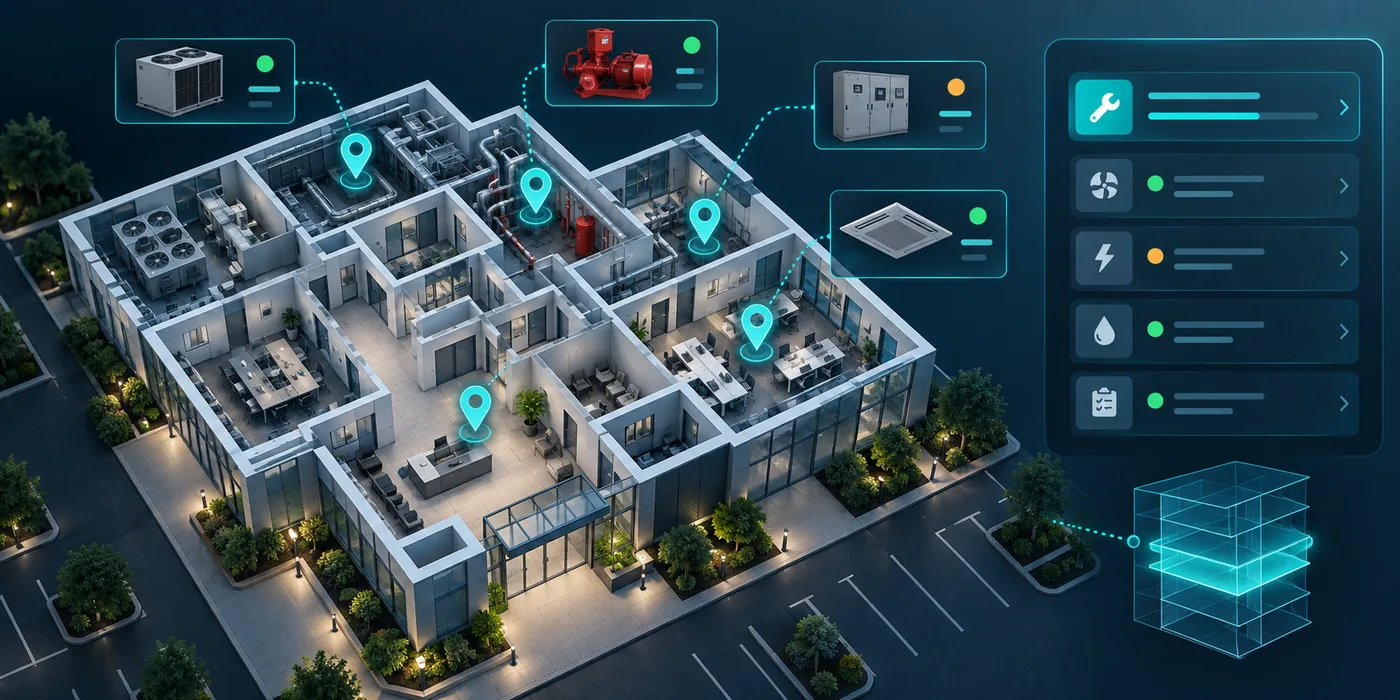

A model can flag an event in a camera feed, but the alert is not the outcome. Someone must understand what was detected, decide whether it needs action, assign the right response and record how the issue was resolved. Without that lifecycle, teams can receive a stream of notifications that are hard to prioritize and impossible to evaluate. The design challenge is to connect machine output to an accountable operational process.
Define the event in operational terms
Start with the decision the system should support. A blocked walkway, an item left in a restricted zone, a machine state change or a crowding condition each calls for a different owner and response. State what the alert means, where it applies, when it is useful and what action a person may take. Avoid broad labels such as “unsafe” if the model only detects a narrow visual pattern.
The event definition should include boundaries: relevant camera, zone, schedule, confidence threshold, duration and duplicate suppression. A brief occlusion or lighting change may look different from a sustained condition. Teams should tune rules on representative footage and review how environmental changes affect the output. Do not assume a threshold transfers unchanged between sites or camera positions.
Quantian’s offerings include computer-vision workflows for safety, facility and operational monitoring. The same deployment principle applies across use cases: define the event and its response contract before presenting an alert as operational truth.
Put a review step between detection and escalation
Reviewers need enough context to interpret an alert: a short clip or permitted image, camera and zone, event time, detection label and relevant history. The interface should make it clear that the system generated the alert and allow the reviewer to mark it as confirmed, unclear, duplicate or not actionable. A decision should remain traceable to the person who reviewed it.
Choose the right balance between automated routing and human review. A well-understood, low-risk event may be assigned automatically with an easy override. A high-impact or ambiguous event may require confirmation before contacting a site team. Do not use the model’s confidence value as a substitute for impact assessment; confidence describes a model output, not the consequences of acting on it.
Reviewers should be able to report recurring false positives and missing events. That feedback can guide configuration and model evaluation. Keep the original event available under retention policy so changes can be assessed consistently rather than judged from memory.
Route the response to a named owner
Every actionable alert needs a queue, owner, priority and expected response. A safety event may go to a site supervisor; an equipment condition may go to maintenance; an after-hours access event may go to security. Assignment should include the location, evidence, due time and action expected. If the first owner does not acknowledge it, escalation rules should be visible and testable.
Avoid sending the same alert to everyone. Broad notifications can create alert fatigue and make it unclear who is accountable. A control-room view can show unassigned items and overdue responses, while mobile alerts should be reserved for roles expected to act. If an alert is informational only, say so.
Connectivity and system availability also matter. Define what happens if the camera feed is unavailable, an event-processing service is delayed or a notification does not reach a device. The workflow should distinguish “no event detected” from “no data received.”
Close the loop with evidence of action
After the response, the assignee should record what they found and what action they took. Depending on the process, this might be an inspection, cleanup, maintenance task, incident report or supervisor sign-off. The closure should link to the original alert and preserve any follow-up work. A closed notification without an outcome is not proof that the condition was addressed.
Use separate states for acknowledged, on site, resolved, false alarm and escalated. The language should fit the operating team. If a task remains open after an alert is dismissed, keep that follow-up visible rather than treating dismissal as resolution.
Computer vision should not make employment, disciplinary or safety-critical decisions without appropriate human processes. Use alerts to support situational awareness and documented review, and make sure affected people have a fair route to correct inaccurate records.
Evaluate the whole system
Model precision and recall are only part of the operational picture. Teams should also examine alert volume by site and event type, review time, unassigned alerts, response time, closure quality, duplicate rate and the share of events that could not be assessed. Define the time window and denominator. An apparent reduction in alerts might mean a better configuration—or a feed outage.
Sample both accepted and dismissed alerts. Compare them with ground truth where a responsible reviewer can establish it. Keep event definitions and threshold changes documented so a before-and-after comparison is meaningful. If the business outcome is fewer unresolved hazards, measure the workflow and its evidence rather than claiming that a model alone caused the change.
Check how performance varies with camera angle, lighting, weather, occlusion and site layout. A system should make its limitations visible, and the organization should plan a fallback for situations it cannot monitor. Camera coverage should not be described as continuous if the feed can fail without detection.
Pilot one event from camera to closure
Choose one event type and a small number of locations. Map who reviews it, who receives it, how quickly action is expected and what evidence closes the task. Test normal alerts, duplicates, ambiguous scenes, out-of-hours events and camera downtime. Ask operators whether the context is sufficient and whether the alert arrives through a channel they can reliably use.
Agree on acceptance criteria with operations, safety, IT and privacy teams. Include access to clips, retention, export, notification failure and audit history. Expand only when the workflow produces a useful signal without overwhelming the responsible team.
The alert is the beginning of the workflow
Computer vision can help organizations notice patterns in existing camera feeds. Its operational value depends on the system around it: precise event definitions, proportionate review, accountable assignment and documented closure. The organization should be able to trace an alert from source to final action and explain where human judgment entered the process.
Eyerys is Quantian’s camera and vision-intelligence product, while Optick supports field task and workforce workflows. Teams can explore those product routes and assess whether a connected detection-to-response process fits their site operations.