
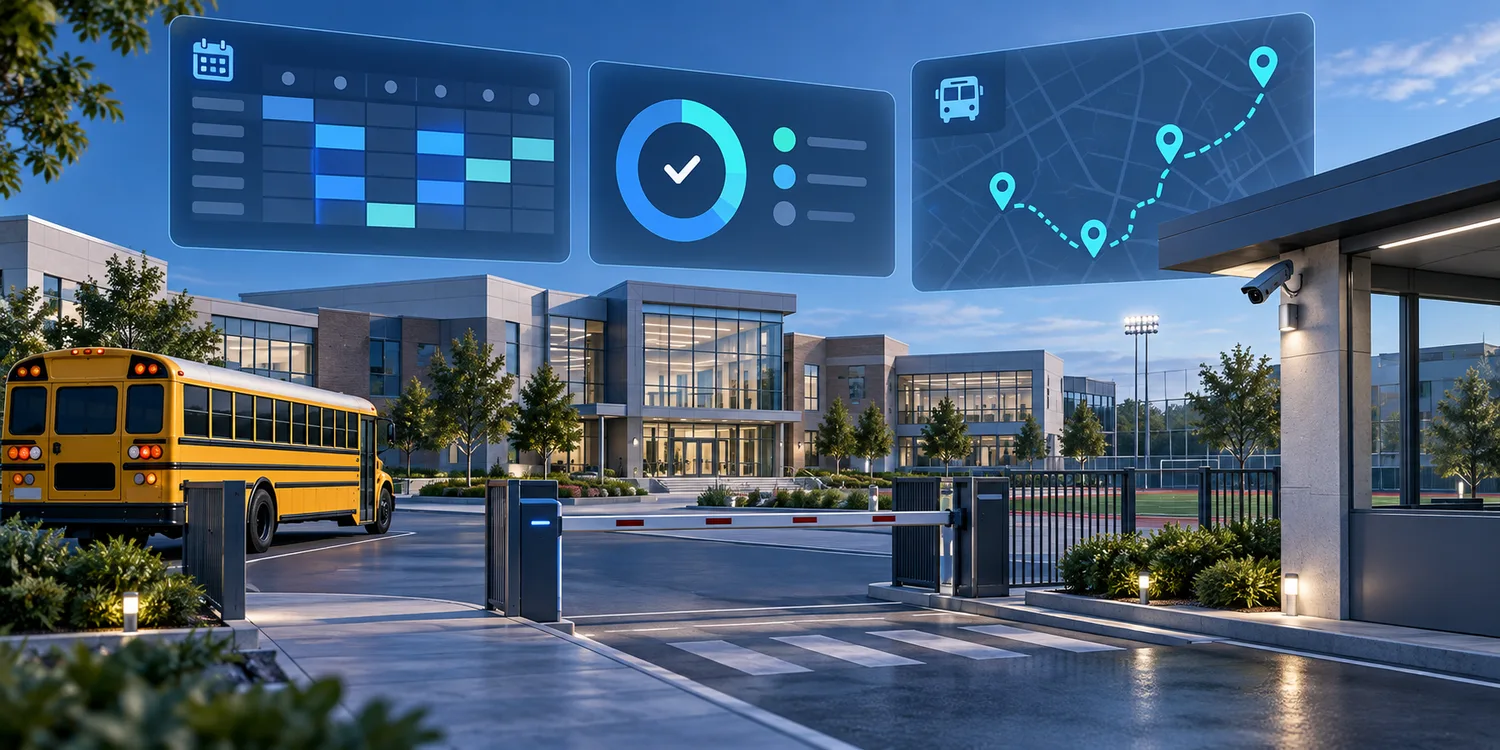
Schools manage many connected routines: student and staff attendance, transport, visitor access, timetables, facilities, parent communication and records. Moving these processes from paper and separate spreadsheets into coordinated workflows can reduce repeated entry and make exceptions easier to find. But a campus platform can also accumulate sensitive information about children, staff and families. The goal should be operational clarity with deliberate limits on what is collected, who can see it and how automated signals are used.
Digitisation should begin with a school process, not a camera
The phrase “smart campus” can make technology sound like the starting point. A more useful starting point is the process the school wants to improve. Is the problem that class attendance arrives late? That a bus route is difficult to coordinate? That visitor records are spread across registers? That a maintenance round is reported but not verified? Define the handoff and the decision first; then choose the least intrusive tool that can support it.
For example, period-wise attendance and campus entry are different workflows. A school may need a class-level record for staff follow-up and a separate process for confirming that a student boarded a bus. Combining the two into a single stream can create confusing alerts and unnecessary data sharing. A workflow map should identify the responsible teacher or administrator, the event being recorded, who needs the information and when it should be removed or archived under school policy.
The education material supplied for this project describes attendance, transport tracking, timetable operations, visitor management, campus facilities, parent notifications and document digitisation. Those are useful areas to examine, but they do not all require the same data or the same level of automation.
Separate operational evidence from learning judgements
Attendance, a completed maintenance check and a transport arrival are operational records. They can be reviewed against a defined process. Signals such as attention, participation or emotion are much harder to interpret. A camera or model cannot reliably explain why a student is quiet, tired or looking away. Treating such signals as a performance score risks turning an uncertain observation into a label that follows a learner.
Schools should be especially cautious about automated inferences involving minors. If a proposed tool analyzes faces, behavior or audio, ask whether the same outcome can be achieved with a less sensitive method. Ask what a false alert could mean for a student, who may contest it, and whether the system can be configured not to retain unnecessary imagery or audio. A human review step should be clear, practical and available before an automated signal changes how a student is treated.
The rule is straightforward: use automation to help staff locate a record or notice a workflow exception; do not let a model make a consequential educational or disciplinary judgement on its own. Technology can support a conversation, but it should not replace the knowledge of teachers and families.
Design access around school roles
Not every campus role needs access to every record. A transport coordinator may need route status and pickup exceptions. A class teacher may need attendance for their own class. An administrator may need a campus-level view. A parent may need a specific notification about their child. These are different permissions, even if the data originates in one platform.
Before rollout, list the roles, the information each role needs and the actions they are allowed to take. Review that map whenever responsibilities change. Avoid default access that exposes whole-school records simply because it is easier to configure. Keep audit history for sensitive record access and corrections, and make it clear who can amend an attendance or visitor record.
Parent communication deserves similar care. Notifications should be timely, understandable and limited to the information relevant to the recipient. A message that includes unnecessary details about another student or a staff member can create a privacy problem even when the underlying attendance workflow works correctly.
Treat AI document tools as assistants
Schools handle admission forms, marksheets, answer sheets, library records and other documents. OCR can help turn a photographed page into searchable fields, while speech tools can help teachers draft notes or make learning content more accessible. In each case, extraction is a proposal that needs an appropriate check before it becomes an official record.
For a form, the reviewer should be able to compare extracted values with the source image and correct them. For an answer sheet, school policy should decide how any machine-assisted scoring is reviewed and who has final authority. For generated lesson materials, teachers should be able to inspect curriculum alignment and factual accuracy before students receive the content. The workflow should preserve an understandable route from source material to approved record.
AI tools should not be given access to every student record merely because a particular task needs one field. Define the data required for each feature, the approved storage location and retention rules, and the way data is removed when no longer needed. Ask vendors how access, export and deletion work in the actual deployment, not only in a general product description.
Plan for connectivity and inclusion
Campus systems should reflect the variety of school environments. Some tasks happen at a gate or on a bus route where connectivity may be intermittent. A mobile workflow can capture an event locally and synchronize it later, provided the user can see whether it is pending, submitted or rejected. Duplicate events, stale data and clock differences need explicit handling so that an offline period does not silently create a misleading record.
Interfaces also need to work for the people who use them. Frontline staff should be able to understand labels and status messages in the languages they use at work. Parents need a communication channel that fits the school’s actual practices. Accessibility features such as text-to-speech can support some learners, but they should complement existing accommodations rather than be treated as an automatic substitute.
Training and feedback matter as much as the initial configuration. If a process is confusing, users will invent workarounds, share accounts or return to paper. Give teachers, support staff, administrators and families a way to report problems, then update the workflow based on those reports.
Evaluate the workflow, not the number of AI features
A school can evaluate a digital process without claiming that a platform caused a broad educational outcome. Useful questions include: Are records easier to find? Are corrections traceable? Do bus or campus exceptions reach the right staff member? Does a document arrive in the school system with its source attached? Can the school answer who accessed a record? Are teachers spending less time re-entering information, according to their own observation?
Agree on these questions before a pilot. Record the current process, select a small set of tasks and review the results with the people who perform them. Do not use a vendor’s illustrative claims as a substitute for the school’s own evidence. If the process has become faster but users cannot explain how a record was produced, the implementation has not yet earned trust.
Keep the campus human-led
Digital coordination can make attendance, transport, documents and facilities easier to manage across a campus or school network. The strongest design keeps accountability with the people responsible for students and operations. It makes evidence easier to review, limits data to a specific purpose and gives staff a clear way to correct mistakes.
That approach also creates a better foundation for future AI. Models can assist with classification, transcription or exception detection when the input and review process are understood. A school should be able to explain why a feature is present, what it cannot decide and how a person intervenes. A campus becomes more capable when information is organized around responsible decisions—not when it records more of the people who learn and work there.